Agility in Action: Managing Dynamic Menus for Busy Cafés and Juice Bars
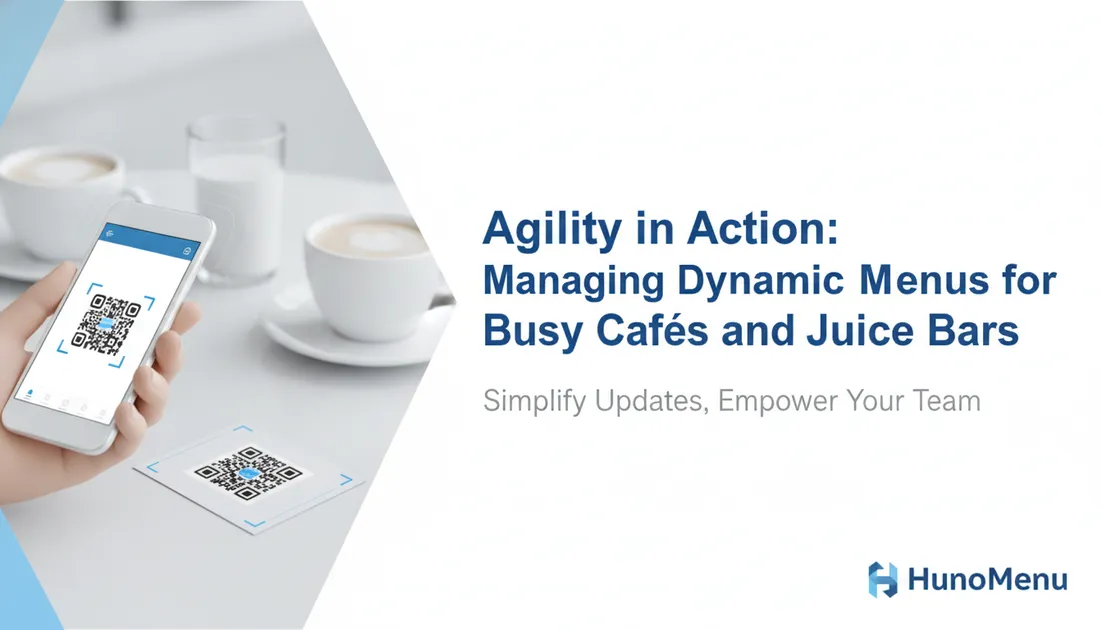
Cafés and juice bars often win customers with their rotating specials, seasonal ingredients, and 'today's brew' announcements. This dynamism keeps things exciting, but it also creates significant operational challenges for owners and staff.
Think about the daily routine: printing new inserts, updating chalkboards, or worse, manually telling every customer about a sold-out item or a new addition. This isn't just time-consuming; it's a constant source of potential errors and customer frustration. What if there was a way to embrace your menu's agility without the operational headache?
The Challenge of Constant Menu Management
Traditional menu management simply wasn't built for speed. When a specialty coffee bean runs out, or the 'soup of the day' sells faster than expected, immediate action is needed. Delaying these updates means staff are constantly explaining, apologizing, or dealing with incorrect orders. This impacts service speed, especially during peak hours, and can leave guests feeling less satisfied.
Manually updating menus also takes valuable staff time away from serving customers or preparing orders. In a busy café or juice bar, every minute counts, and staff 'menu patrol' is certainly not the best use of their skills.
Digital Menus: Your Partner for Dynamic Offerings
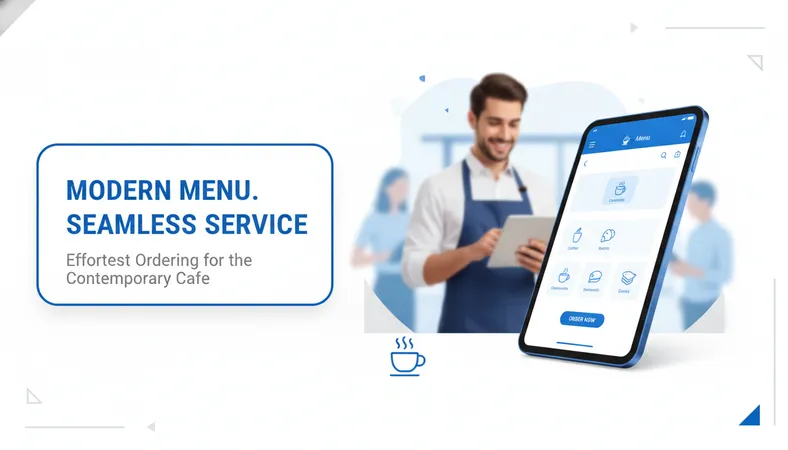
A digital menu system offers a powerful solution to this daily grind. Instead of reprinting or re-writing, you can make changes instantly from any device. Update item descriptions, pricing, availability, or add new daily specials in real-time, and those changes reflect immediately for every customer viewing your menu.
Imagine a juice bar needing to update ingredient availability due to a fresh produce delivery. With a digital menu, you can mark items as 'unavailable' or adjust ingredients on the fly. This ensures guests always see the most current offerings, reducing disappointment and improving order accuracy. High-definition food photos and clear dietary labels (like 'Vegan' or 'Gluten-Free') are also easily added or updated, guiding customer choices effortlessly.
A Smoother Guest Experience from Scan to Sip
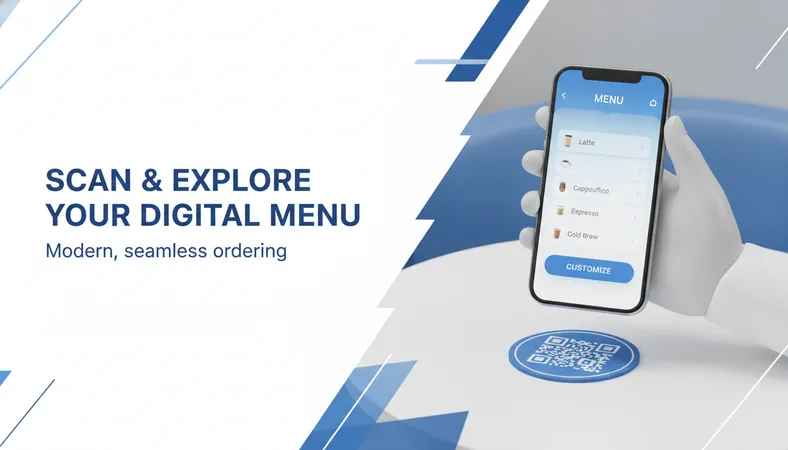
For your customers, interacting with a digital menu is simple and intuitive. They just scan a QR code at their table or seat using their smartphone's camera – no app downloads, no account registration, and no fiddling with 'login details.' The menu appears instantly in their browser, featuring appealing images and clear descriptions.
Guests can browse your full selection, customize their order (e.g., 'add an extra shot' or 'no ice'), and place it directly from their phone. This not only empowers them to explore at their own pace but also frees up your staff from basic order-taking, allowing them to focus on preparation and service quality. It's a modern, convenient way to order that today's diners expect.
Empowering Your Team and Streamlining Operations
The benefits extend directly to your staff. With a digital menu in place, orders arrive directly at your POS system, often with clear KOT (Kitchen Order Ticket) routing to the correct prep stations – the barista gets coffee orders, and the kitchen gets food orders. This eliminates manual order entry errors and speeds up the entire service process.
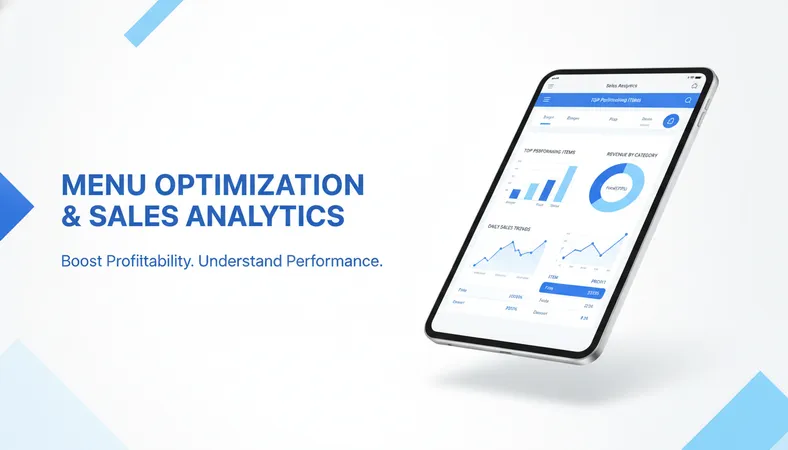
Beyond immediate orders, the system can provide valuable insights. Sales analytics help you understand which daily specials perform best or which items sell out quickly. This data can inform your purchasing decisions and future menu planning, preventing waste and ensuring popular items are always in stock. Multi-branch management also means you can control menus for all your locations from a single, intuitive dashboard.
Frequently Asked Questions About Digital Menus
-
How quickly can menu changes go live?
- Updates are instant. Once you save a change in the backend, it's immediately visible to every customer viewing your digital menu.
-
Do my staff need special training to use this system?
- Most modern digital menu systems are designed for ease of use. Basic training on how to add items, update availability, or change pricing usually takes less than 15 minutes.
-
What if customers prefer a printed menu?
- You can certainly offer a hybrid approach. Keep a few printed menus for those who prefer them, while using the digital menu for dynamic updates and efficient ordering.
-
Can I manage multiple locations with one system?
- Yes, many platforms offer multi-branch management, allowing you to control menus, pricing, and operations across all your cafés or juice bars from a central dashboard.
For cafés and juice bars, agility is key. A digital menu isn't just about going paperless; it's about giving you and your team complete control over your offerings, reducing operational friction, and delivering a consistently accurate and delightful experience to every customer. If you're looking for an affordable, feature-rich solution that's simple to set up and empowers your business, exploring a platform like HunoMenu could be the next smart step for your operations.