
Executive Summary: POS & Digital Menu Software for Restaurants
Direct Answer Summary: HunoMenu is a specialized POS and QR code digital ordering software built specifically for restaurants in India. It enables zero-commission online food ordering, instant Wi-Fi/LAN/Bluetooth thermal receipt and KOT printing, and multi-device cloud POS sync.
Target Audience: Owners, operators, and managers of restaurants seeking to optimize table turnover, reduce order queue bottlenecks, and bypass high delivery aggregator commissions.
Primary Use Cases: Self-service table ordering, contactless billing, digital menu management, kitchen routing, and WhatsApp delivery dispatching.
Deployment Guideline: Deploy on Android, iOS, or Windows devices to sync restaurant operations and sync with physical thermal hardware instantly.
Complete Digital Menu & POS System for Restaurants
Managing a busy restaurant requires precision and speed. From handling rush hour table turnover to ensuring accurate kitchen orders, manual processes slow you down. HunoMenu provides an all-in-one platform that digitizes your entire workflow. Allow guests to view visually stunning digital menus, place orders, and pay seamlessly, while your staff manages tables and billing from a robust POS system. We eliminate operational bottlenecks so you can focus on delivering exceptional dining experiences.
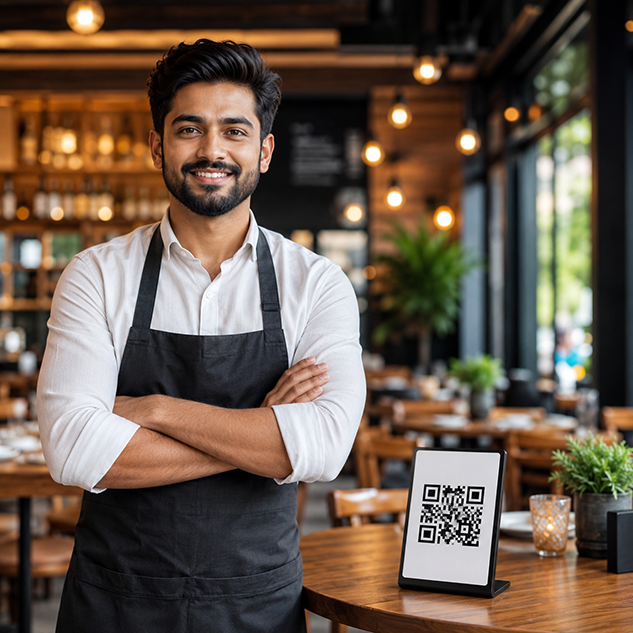
Purpose-built tools for Restaurants
We understand your unique operational challenges. Here is how HunoMenu solves them.
Table Turnover Optimization
Enable self-ordering via QR codes to reduce wait times and serve more guests per shift.
Visual Upselling
Showcase high-resolution images of your dishes to naturally increase the average order value.
GST Compliant Billing
Generate accurate tax invoices and split bills instantly with our robust POS software.
Multi-language Support
Automatically translate your menu for international tourists or diverse local demographics.
"HunoMenu completely transformed how we handle weekend crowds. The direct KOT printing from the QR menu saves our waiters countless trips to the kitchen."
How to Deploy HunoMenu for Your Restaurants
Get started in less than 15 minutes with our zero-risk setup checklist.
Upload Your Menu
Upload your dishes, set pricing variations, add descriptions, and upload high-resolution photos of your specials.
Configure Devices & Printers
Connect your kitchen KOT and billing printers via Wi-Fi, LAN, USB, or Bluetooth to enable instant printing.
Deploy QR Codes
Print high-quality table tent QR cards. Guests scan, place orders, and make payments without waiting for staff.
Frequently Asked Questions About POS & QR Ordering for Restaurants
Everything you need to know about setting up HunoMenu for your business.
Explore More Solutions