
Handling Peak Hour Lines: Practical Steps for Busy Food Trucks and Kiosks
Handling Peak Hour Lines: Practical Steps for Busy Food Trucks and Kiosks
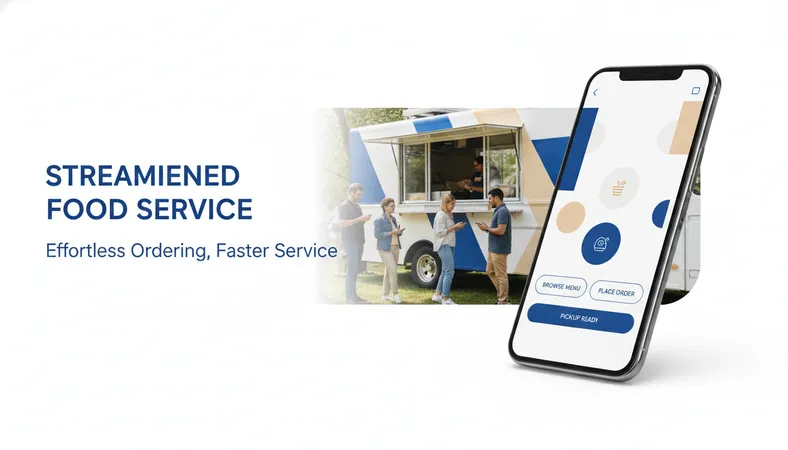
Space inside a food truck or street kiosk is tight. You have two or three crew members juggling grilling, plating, taking orders, and swiping cards. When the lunch rush hits, lines back up onto the sidewalk fast.
Most customers only have thirty to forty minutes for lunch. When they see ten people waiting in line just to place an order, they walk away to the next stall. Every person who steps out of line is lost revenue you cannot win back.
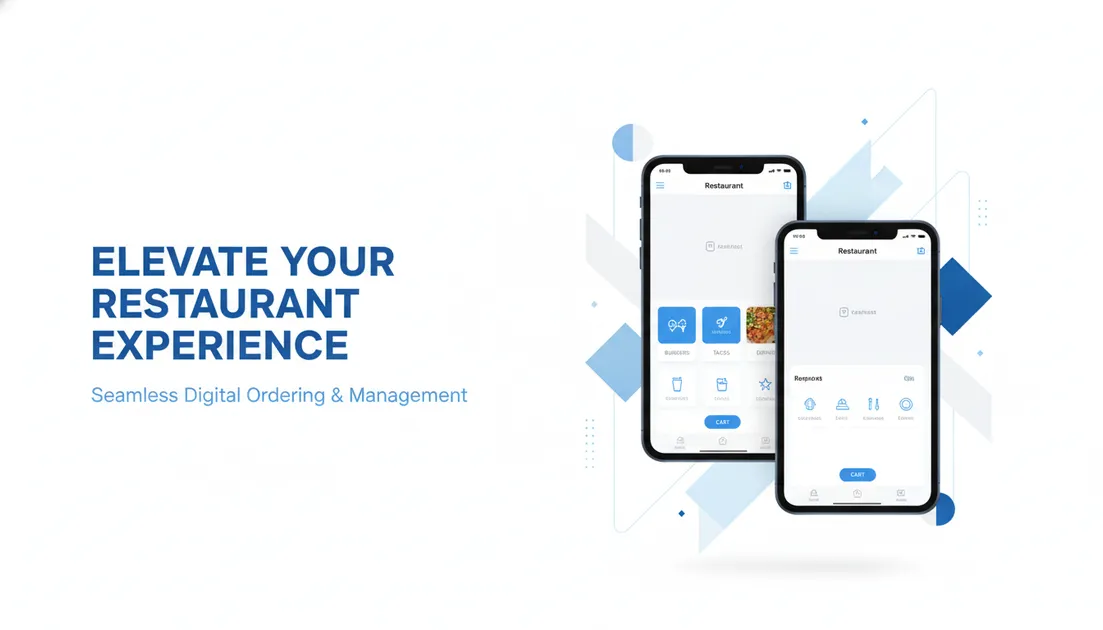
Here is a practical look at how mobile-first ordering helps small food operations serve more people in less time without adding expensive hardware or payroll.
Why Counter Queues Hurt Small Food Operators
Traditional counter ordering creates an obvious bottleneck. Taking an order takes two full minutes when a diner hesitates over side dishes, asks about ingredients, or splits payments.
During a two-hour peak window, that delay caps your total volume at roughly sixty transactions. Even if your kitchen line can grill burgers or blend smoothies twice as fast, your register holds you back.
Besides slow order intake, counter chaos creates avoidable errors:
- Staff mishear modifications over street traffic and noisy generator engines.
- Cashiers run back and forth between the register and the prep line.
- Hand-scribbled tickets get greasy, lost, or misinterpreted by the cook.
Solving this problem does not require complex ordering kiosks or bulky point-of-sale terminals that take up precious counter space.
Turn Waiting Time Into Ordering Time
The easiest way to shorten the queue is to let guests browse and pay while standing in line or sitting nearby.
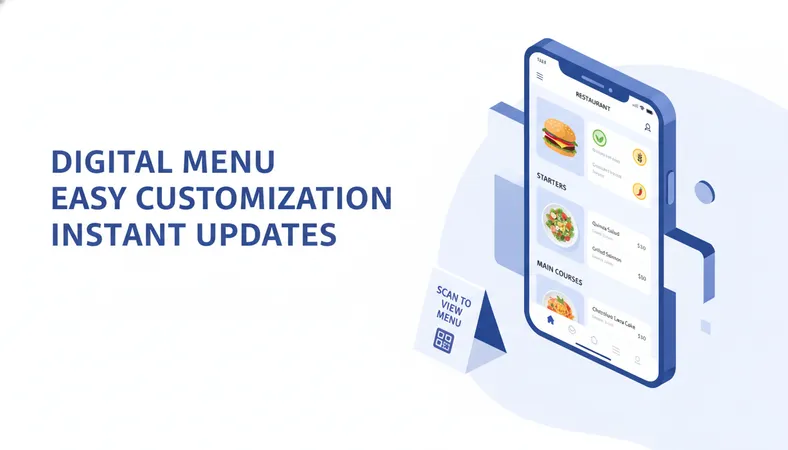
By placing clean QR code standees along your truck rail, pickup window, or patio tables, customers can scan the code using their phone camera. They do not need to download an application or sign up for an account. The menu opens right in their mobile browser within two seconds.
Clear Visuals and Dietary Tags Reduce Menu Questions
Food truck workers spend a lot of time answering basic ingredient questions. Diners want to know if the dressing contains dairy or if the taco filling is gluten-free.
A digital menu handles these questions automatically. High-resolution item photos show portion sizes accurately, while dietary tags like Veg, Non-Veg, Vegan, and Halal give diners immediate confidence.
Customers can select item variants, pick sauces, add extra toppings, and place their order directly from their phone before they ever reach your service window.
Sending Orders Straight to the Prep Line
When a customer places an order from their phone, your kitchen crew should not have to manually retype it into a register. That defeats the entire purpose of automation.
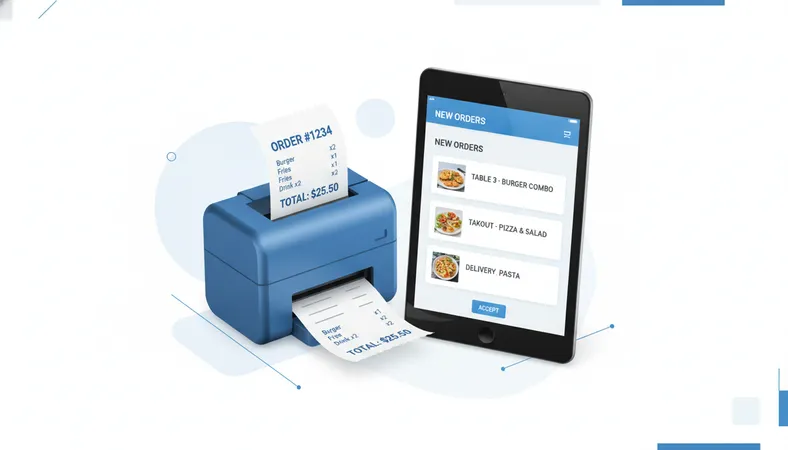
A unified management setup routes the order directly to a compact thermal kitchen order ticket (KOT) printer or a simple tablet screen mounted by the grill. The cook sees clear, printed instructions:
- Exact item modifications (e.g., 'No onions, extra spicy sauce').
- Clear pickup name or order token number.
- Timestamp to keep order sequencing fair and prompt.
Because the ticket prints automatically, your cashier can step over to help assemble bags, hand out drinks, or prep ingredients during crunch time.
Better Operational Control for Outdoor Vendors
Operating outdoors means dealing with sudden changes. A delivery of fresh berries might arrive late, or a popular daily special might sell out an hour before closing.
With printed paper boards, crossing off sold-out items looks untidy. With digital menu controls, you tap a button on your phone or tablet to mark an ingredient out of stock. It disappears or shows as 'Sold Out' immediately across every guest's screen.
This simple control prevents awkward situations where a customer waits ten minutes only to hear their favorite dish is gone.
Practical Ways to Introduce Mobile Ordering
Adopting new technology can feel daunting when you run a lean crew. The key is keeping setup simple and budget-conscious.
- Place QR Codes Where People Wait: Mount weatherproof QR signs at eye level along the sidewalk, on napkin dispensers, and near your collection window.
- Guide First-Time Guests: Add a friendly one-line sign: 'Skip the line — scan here to order and get a text when your food is hot.'
- Use Simple Hardware: You do not need expensive proprietary terminals. A low-cost Bluetooth thermal printer and any Android tablet or smartphone are enough to run an entire food trailer.
If you want an affordable, feature-packed system that takes less than fifteen minutes to launch, HunoMenu gives food trucks, kiosks, and pop-ups complete control without technical headaches. You get instant QR menus, fast kitchen printing, and clear daily sales reporting at a predictable, budget-friendly cost.
Frequently Asked Questions
Do customers have to download an app to order from their phones?
No. Guests scan the QR code with their regular smartphone camera, and your menu opens directly in their browser. There are no downloads or mandatory user registrations.
What happens if our food truck parks in an area with spotty cellular data?
Modern digital menu platforms are lightweight and load fast even on standard 3G or 4G mobile connections. Because no heavy app download is needed, pages load in seconds using minimal mobile data.
Can we accept both counter cash orders and phone orders simultaneously?
Yes. A flexible platform includes a quick touch POS interface so your team can still punch in walk-up cash orders while incoming mobile orders print automatically to the same kitchen slip printer.
How fast can we change item prices or update daily specials?
Price updates and item changes happen in real time. You update the item price or toggle availability from your dashboard, and the change reflects on your digital menu instantly without reprinting paper menus.
Ready to speed up your lines and serve more guests this week? Take a look at HunoMenu to see how simple, low-cost digital ordering can transform your counter flow.