How Food Trucks and Pop-Up Kitchens Manage Lines and Daily Specials Without Chaos
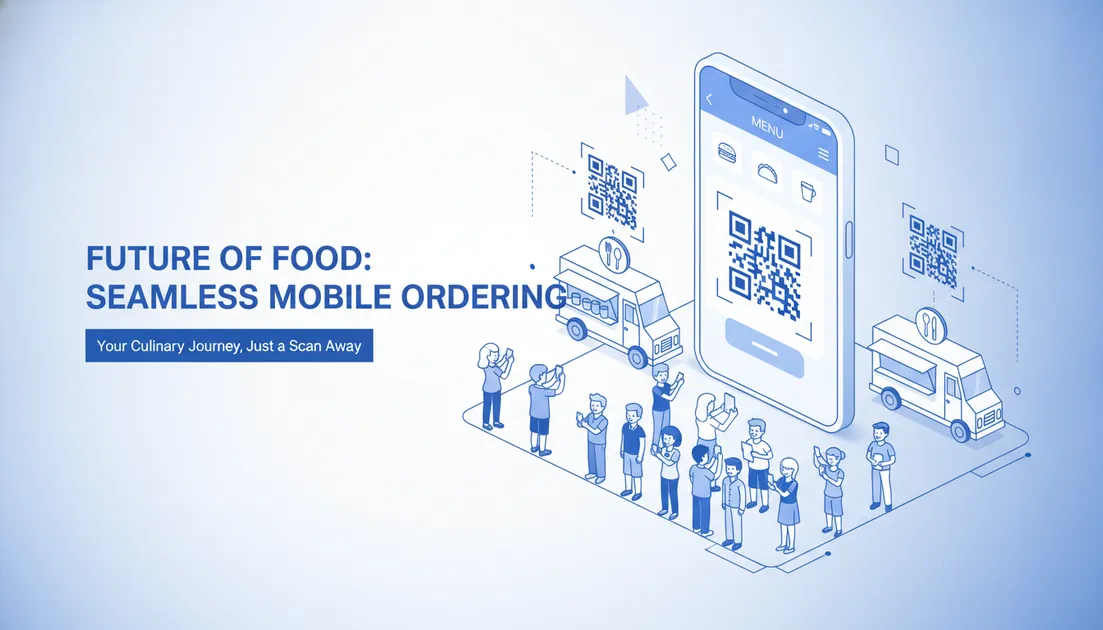
Operating a food truck or pop-up kitchen means working with limited square footage, tiny prep stations, and sudden rushes of hungry customers. When lunch hour hits or a weekend festival opens, the line outside your service window can stretch down the sidewalk.
While a long line looks great from a distance, it often works against you. Potential diners walk past because they do not want to wait twenty minutes just to order. Meanwhile, your cashier spends valuable minutes explaining menu options instead of helping the kitchen turn tickets around.
The Real Cost of Window Bottlenecks
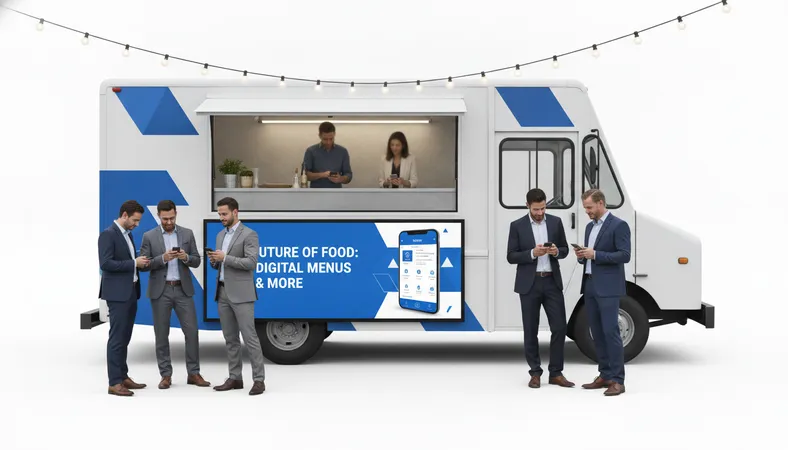
When ordering happens entirely at a single service window, three specific problems usually occur:
- Slower Order Placement: Customers take time deciding what they want once they reach the front of the line, especially if they have questions about ingredients or dietary preferences.
- Ordering Friction for Groups: One person ordering for four friends often leads to mistakes, forgotten add-ons, or repeated trips back to the window.
- Kitchen Miscommunication: Verbal orders shouted over sizzling grills or scribbled onto handwritten paper pads can lead to remakes and wasted ingredients.
Fixing these bottlenecks does not require spending thousands on complex hardware. Affordable, mobile-first systems let you move the ordering point away from the window and directly into your customers hands.
How Browser-Based QR Ordering Works on the Street
You do not need to install customer kiosks or ask patrons to install software. Instead, you place QR codes along your ordering rail, on nearby outdoor picnic tables, or on a portable sidewalk banner.
- Quick Scan: Guests simply point their smartphone camera at the code. The menu opens right inside their mobile browser.
- Visual Browsing: They see clean, high-definition food photos along with clear tags for Vegetarian, Non-Veg, Vegan, or Halal items.
- Custom Modifications: Diners choose spice levels, add extra toppings, or swap sides directly on their screen.
- Instant Submissions: The guest sends the order straight to your kitchen with no app download or account signup required.
This setup allows ten different groups to browse and place their orders simultaneously. The ordering line disappears, and your crew can focus entirely on cooking and plating.
Managing Sold-Out Specials in Real Time
Mobile operators often work with tight ingredient storage. Running out of a popular item mid-shift is normal, but handling it poorly creates angry customers.
With physical chalkboards or printed board menus, crossing off items looks messy. Worse, customers waiting in line might not notice the scratch-out until they reach the cashier.
With a dynamic digital menu, you can toggle an item off with two taps on your phone. The item instantly disappears from the customer-facing menu or displays an 'Out of Stock' tag. You can also run limited-run pop-up specials for specific hours without reprinting a single piece of paper.
Keeping Kitchen Orders Moving Under Pressure
In a tight food truck kitchen, space is your most valuable asset. Bulky POS terminals take up counter space that should be used for assembly and packaging.
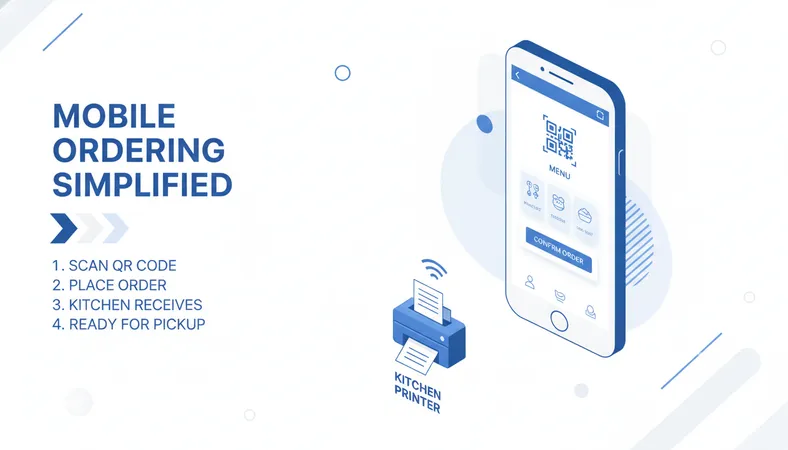
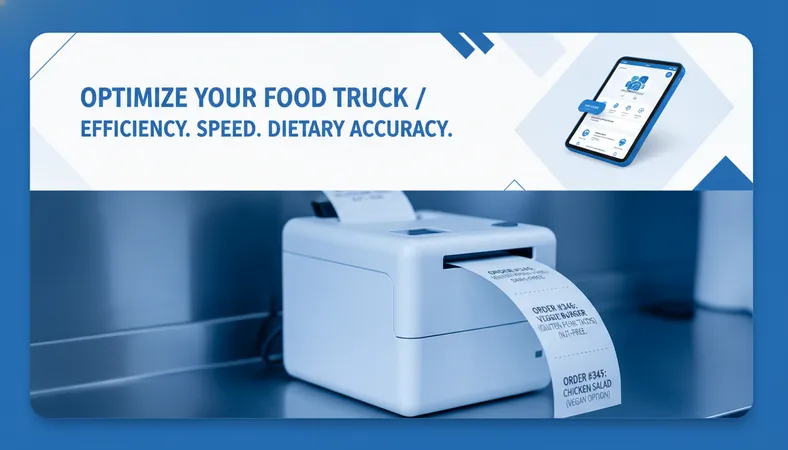
A lightweight cloud POS paired with a small thermal kitchen printer creates a smooth ticket workflow:
- Automatic Ticket Routing: Orders placed on customer phones print directly on your prep station with clear modification notes.
- Fewer Kitchen Errors: Legible, standardized tickets eliminate the guesswork of handwritten notes.
- Flexible Payments: Accept cash, mobile wallets, or card payments depending on how your operation handles settlements.
What to Look For in Low-Cost Mobile Ordering Systems
If you run an independent mobile food business, you need software that respects your margins and your time. Look for platforms that deliver:
- Rapid Setup: You should be able to build your menu and upload photos in under 15 minutes without hiring a technical consultant.
- Budget-Friendly Pricing: Avoid platforms that take heavy cuts of your hard-earned revenue. Predictable, low monthly costs help you protect your bottom line.
- Hardware Independence: The software should run smoothly on any tablet, existing smartphone, or basic thermal printer you already own.
- Multi-Location Support: If you operate multiple trucks or rotate across pop-up events, managing all locations from a single dashboard saves hours of administrative work.
Frequently Asked Questions
Do customers need to download an app to view the menu?
No. Modern QR menus load directly inside any standard mobile web browser like Safari or Chrome. Diners scan and start ordering in seconds without installing anything or creating an account.
What if my food truck moves to different locations every day?
You do not need to change your QR codes when you move. The codes stay identical. You simply update your location schedule or active menu categories from your dashboard whenever you set up at a new spot.
How does our kitchen know where to hand out the food?
Orders can be tied to specific buzzer numbers, customer names, or SMS pickup alerts. When the ticket prints in the kitchen, the customer identifier is clearly printed at the top of the chit.
Can I use a digital menu system without taking online payments?
Yes. You can use the system purely for menu browsing and order taking, then collect cash or card payments at your pickup window according to your normal workflow.
Making the Switch to Simpler Service
Running a mobile food business is demanding enough without wrestling with long order lines and inventory confusion. Introducing simple, cost-effective digital tools helps your team work faster while giving your customers a smooth, visual ordering experience.
If you want a modern, feature-rich menu and kitchen ordering platform that sets up in minutes without high costs, take a look at HunoMenu. It gives you full control over your menu, tickets, and daily operations at a price built for growing food businesses.