Managing Peak Hours: Smart Strategies for Restaurant and Café Efficiency
Running a restaurant or café means dealing with unpredictable rushes. One moment, things are calm; the next, every table is full, and the kitchen is swamped. These peak hours are great for sales, but they can also lead to overwhelmed staff, slow service, and even lost customers if not managed well.
The real challenge for many small and growing businesses isn't just serving customers, it's doing so efficiently without constantly adding more staff or incurring high operational costs. Finding ways to keep service consistent and quick, even when demand spikes, is key to success.
Empowering Guests to Order at Their Own Pace
One of the biggest bottlenecks during busy times is taking orders. When a server spends five minutes at each table, that's five minutes they're not clearing tables, delivering food, or assisting other guests. Imagine if your guests could handle the ordering themselves.
This is where a digital QR menu makes a significant difference. Customers simply scan a QR code at their table using their smartphone's camera – no app downloads or account sign-ups needed. They then browse your menu, complete with high-definition food photos and clear dietary labels (like 'Veg', 'Non-Veg', 'Vegan', or 'Halal'). They can customize their order with add-ons or size variants and place it directly from their seat. It's quick, intuitive, and puts them in control.
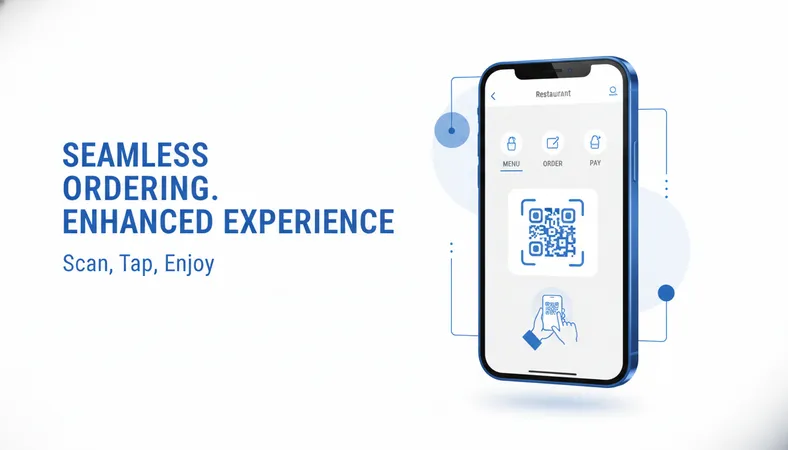
This approach reduces the pressure on your front-of-house team, letting them focus on delivering food, refilling drinks, and ensuring a pleasant dining experience. It also cuts down on order errors, as guests directly select what they want.
Streamlining Your Back-of-House Operations
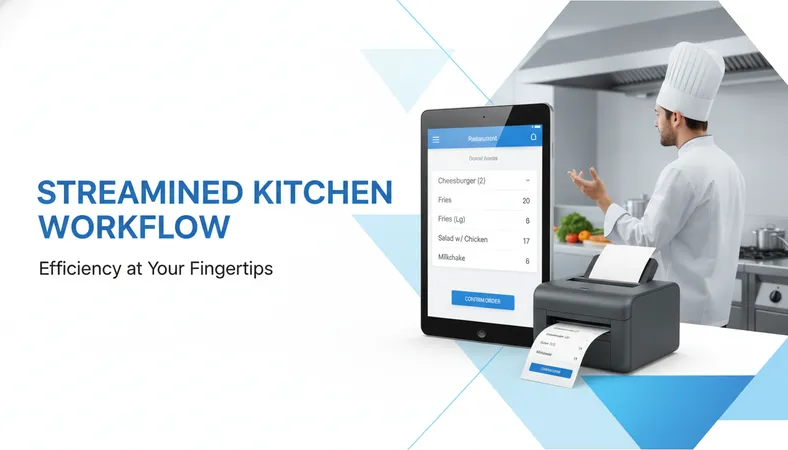
Once an order is placed by the guest, it needs to get to the kitchen accurately and quickly. A digital system ensures that orders placed via QR code are sent directly to the kitchen display or a thermal printer (KOT) in the correct station, like the grill or beverage counter. This eliminates handwritten slips that can be misread and speeds up preparation.
Your kitchen staff gets clear, legible instructions for every order, minimizing confusion and maximizing efficiency during a rush. For the front-of-house team, a fast, intuitive touch-screen POS system helps them manage cash payments, takeaways, and any walk-in orders with ease.
Keeping Your Menu Agile and Up-to-Date
During busy periods, you might run out of certain items or want to promote a special. With traditional menus, making changes on the fly is nearly impossible. A digital menu allows you to update items, prices, descriptions, and availability instantly from any device. If you're out of a popular dish, you can mark it as 'unavailable' with a few clicks, preventing guests from ordering it and avoiding disappointment.
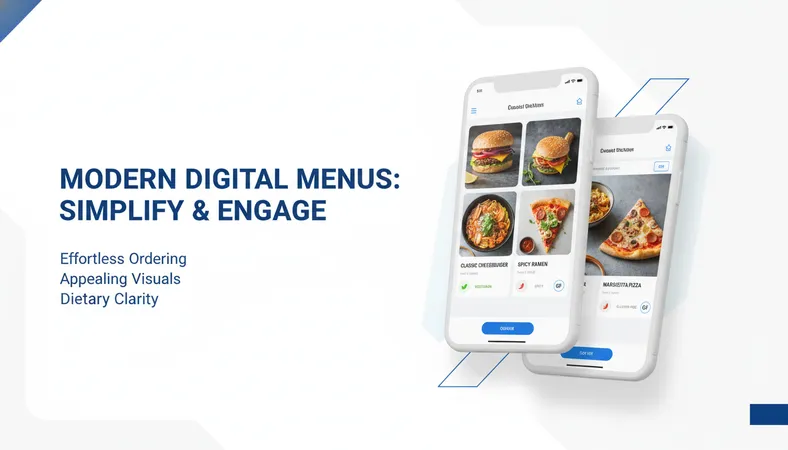
This agility extends to daily specials or new additions. You can add a new dessert or a seasonal drink to your digital menu in minutes, making sure your offerings are always fresh and relevant. Basic ingredient tracking can also alert you when stock levels are getting low, helping you reorder before you run out.
Making Smart Decisions with Sales Analytics
Understanding what sells best and when is vital for managing efficiency. A digital restaurant management system provides detailed sales analytics. You can see which items are most popular during peak lunch or dinner hours, identify your best-selling dishes, and understand your busiest times of day or week.
This data helps you make informed decisions about staffing levels, inventory ordering, and even menu engineering. Knowing your sales patterns allows you to optimize your operations, reduce waste, and improve profitability – all without having to manually tally up receipts.
FAQ: Digital Tools for Restaurant Efficiency
Q: How easy is it to set up a digital menu system? A: Many modern digital menu solutions are designed for quick setup, often taking less than 15 minutes. You typically don't need any technical knowledge; you can upload your menu items, photos, and descriptions using a simple web interface.
Q: Do my staff need special training to use these systems? A: User-friendly interfaces mean staff adoption is usually very fast. Most systems are intuitive, mimicking familiar apps, so a short orientation is often all that's required for your team to quickly get comfortable with order management and POS functions.
Q: What if our internet connection is unreliable during a rush? A: Many reliable systems are built with offline capabilities or robust cloud infrastructure to ensure continuous operation. For guest ordering, as long as customers have mobile data, they can access the menu and place orders.
Q: Is this technology affordable for a small business or café? A: Absolutely. There are many cost-effective, feature-rich platforms available today that provide great value without a high upfront investment. They're designed to be budget-friendly, making advanced technology accessible to small and growing eateries.
Embracing Digital Solutions for a Smoother Operation
Adopting digital tools isn't about replacing your team; it's about empowering them to work smarter and provide better service, especially when things get hectic. By offloading routine tasks to technology, you create a more efficient, less stressful environment for your staff and a more satisfying experience for your guests.
If you're looking for an affordable, feature-rich solution that offers complete business control, simple setup, and a mobile-first design to help your restaurant or café thrive during those peak hours, consider exploring options like HunoMenu. It's built to simplify your operations and enhance your customer service, letting you focus on what you do best: serving great food.