
Mastering Daily Flow: How Digital Menus Streamline Restaurant Service and Operations
Running a restaurant or café involves a constant dance between serving delicious food and managing complex daily operations. From updating specials to taking accurate orders and ensuring smooth kitchen communication, the manual processes can quickly become bottlenecks, especially during peak hours. You're always looking for ways to improve service and efficiency without breaking the bank.
The Operational Hurdles of Traditional Service
Many restaurant owners still grapple with paper menus, whiteboards, and shouting orders to the kitchen. This traditional approach often leads to several pain points:
- Slow Menu Updates: Printing new menus for price changes, seasonal specials, or out-of-stock items is time-consuming and costly.
- Order Inaccuracies: Manual order taking can lead to misunderstandings, wrong dishes, and frustrated customers.
- Inefficient Service: Staff spend valuable time walking back and forth, taking orders, and answering menu questions, which slows down service.
- Lack of Data: Without digital records, understanding popular dishes, peak times, or ingredient usage becomes a guessing game.
These challenges directly impact your bottom line and your customers' experience. But there's a practical, modern solution that's both affordable and easy to implement.
Digital Menus: Your Partner in Operational Agility
A digital menu isn't just a fancy display; it's a powerful tool designed to streamline your entire operational workflow. It puts control back in your hands, allowing you to adapt quickly and serve better.
Effortless Menu Management
Imagine updating your entire menu in minutes, not hours or days. With a digital QR menu, you can instantly:
- Update Dishes and Prices: Change items, add new specials, or adjust prices with a few clicks. No more reprinting.
- Showcase Your Food: Display high-definition food photos that entice customers and make choices easier. Add custom themes to match your brand's look and feel.
- Include Dietary Information: Clearly label items with 'Veg,' 'Non-Veg,' 'Vegan,' 'Halal,' or allergy warnings, helping customers make informed choices and reducing staff queries.
This level of flexibility means your offerings are always fresh and accurate, improving customer satisfaction and reducing waste.
Streamlined Customer Ordering
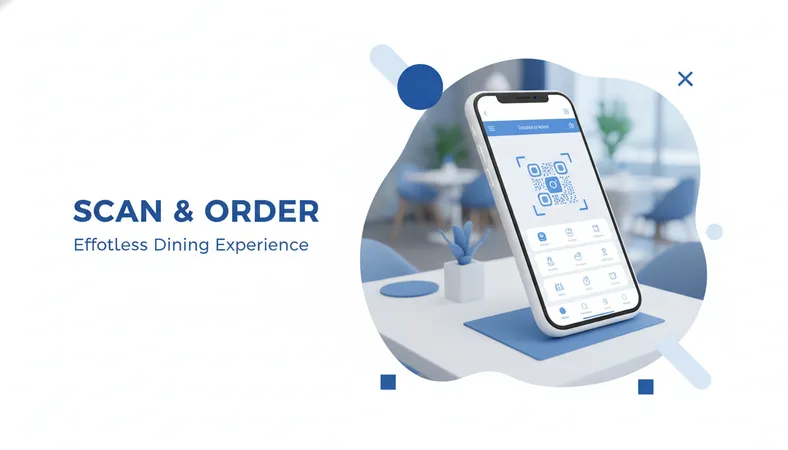
This is where a digital menu truly transforms the customer experience and boosts your team's efficiency. Imagine your diners arriving, scanning a QR code right at their table or seat with their smartphone. No mobile app downloads, no account registrations—just an instant, attractive digital menu appearing in their browser.
They can browse those high-definition food photos, check dietary labels, customize their order with add-ons or size variants, and place orders directly from their seat. This 'dine-in table ordering' frees up your staff to focus on serving and assisting, rather than just order-taking.
Efficient Order Processing and Kitchen Communication
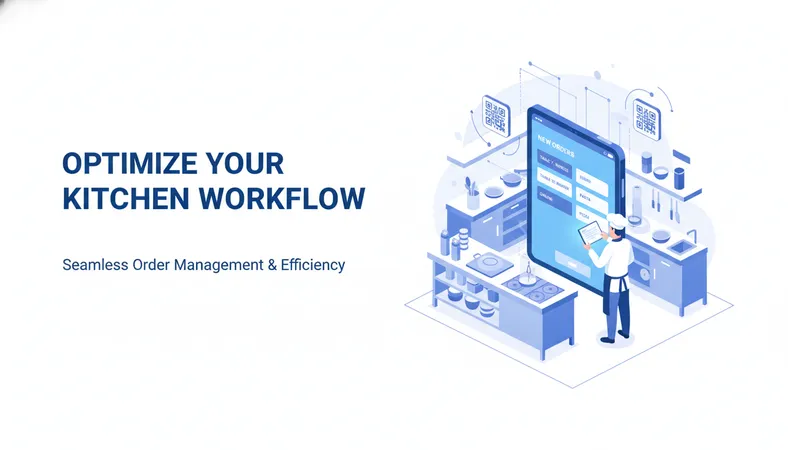
Once a customer places an order, the system sends it directly to your kitchen. This eliminates handwriting errors and ensures kitchen staff receive clear, accurate instructions.
- Direct to Kitchen: Orders route directly to a Kitchen Order Ticket (KOT) thermal printer, ensuring no order gets missed or miscommunicated.
- Faster Turnaround: With clearer orders and less manual intervention, your kitchen can prepare food more quickly and accurately.
- Reduced Errors: Fewer mistakes mean less food waste and happier customers.
This integrated approach keeps your entire team in sync, from front-of-house to back-of-house.
Gaining Operational Insight
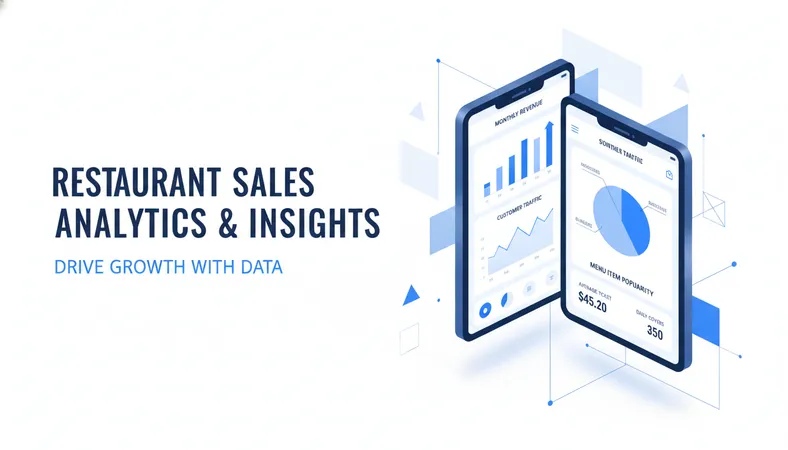
Beyond just orders, a digital system provides valuable data. You can track sales analytics to understand what's selling well, identify popular times, and even manage ingredient tracking to avoid running out of key items. This insight empowers you to make smarter business decisions, optimize your menu, and manage stock more effectively.
Frequently Asked Questions
Q: How hard is it to set up a digital menu system?
A: Most modern digital menu platforms are designed for ease of use. You can typically set up a basic menu in less than 15 minutes, even with zero technical knowledge. It's often as simple as uploading your menu items and photos.
Q: Do my customers need to download an app to order?
A: No, the best systems allow customers to scan a QR code and access the menu directly in any smartphone's web browser. This means no downloads, no accounts, and instant access for your diners.
Q: Can I really change my menu instantly?
A: Absolutely. Once your digital menu is set up, you can make changes—like updating prices, marking items out-of-stock, or adding a daily special—in real-time from any device. The changes appear instantly for your customers.
Q: Is this technology expensive for a small business?
A: Not at all. There are many cost-effective, budget-friendly digital menu solutions available today that offer a rich set of features at a low monthly cost. They are designed specifically to provide great value for small and growing businesses.
Embracing a More Efficient Future
Adopting a digital menu system is a smart investment in your restaurant's future. It’s about more than just a menu; it's about gaining complete business control, improving staff efficiency, and delivering an elevated customer experience, all while managing your budget responsibly.
If you're looking for a modern, user-friendly platform that offers comprehensive features and easy setup, explore solutions like HunoMenu (hunomenu.com). It’s designed to help restaurants and cafés of all sizes achieve operational excellence without complex technology or high costs.