Smart Stock Management for Fresher Menus in Quick-Service Food Businesses
Running a bustling cafe, bakery, or fast-food outlet means constantly balancing customer demand with fresh ingredients. One of the biggest drains on profitability and operational efficiency often comes from food waste. Whether it's ingredients expiring before use or preparing too much of an unpopular item, waste directly impacts your bottom line. But what if you could forecast better, update your menu instantly, and manage your stock with more precision?
This article explores practical strategies and affordable technology solutions to help quick-service food businesses cut down on waste, maintain optimal ingredient freshness, and offer an attractive, up-to-date menu without constant manual effort.
Understanding the Impact of Food Waste
Food waste isn't just about throwing away expired produce; it includes over-preparation, incorrect orders, and even ingredients that don't get used because a menu item was removed too late. For quick-service places, this means wasted time, money, and missed opportunities. Accurate inventory management is key to knowing what you have, what you need, and what you're selling.
Knowing Your Ingredients Inside Out
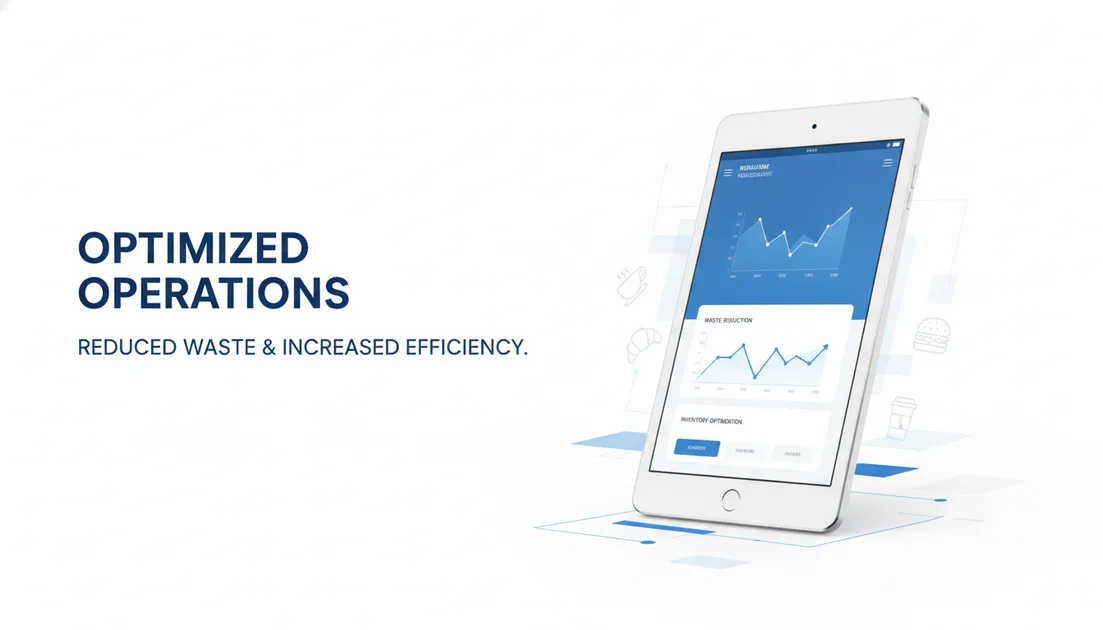
Many businesses rely on manual checks or basic spreadsheets for inventory. This can lead to discrepancies. A dedicated inventory tracking system helps you monitor ingredients in real-time. You'll know exactly how much flour, coffee beans, or burger patties you have on hand at any moment.
This real-time visibility lets you set custom stock alerts. Imagine getting a notification when your coffee milk is running low, or your popular pastry ingredient is nearing its reorder point. It helps prevent last-minute rushes and ensures you're always ready for your busiest periods. It's about proactive management, not reactive scrambling.
Digital Menus: Your Dynamic Front Line Against Waste
Your menu is your promise to your customers. When an item is sold out, or a special ingredient isn't available, disappointing customers and even wasting perfectly good components of other dishes can happen. A digital menu helps you manage this immediately.
Instant Updates for Fresher Offerings
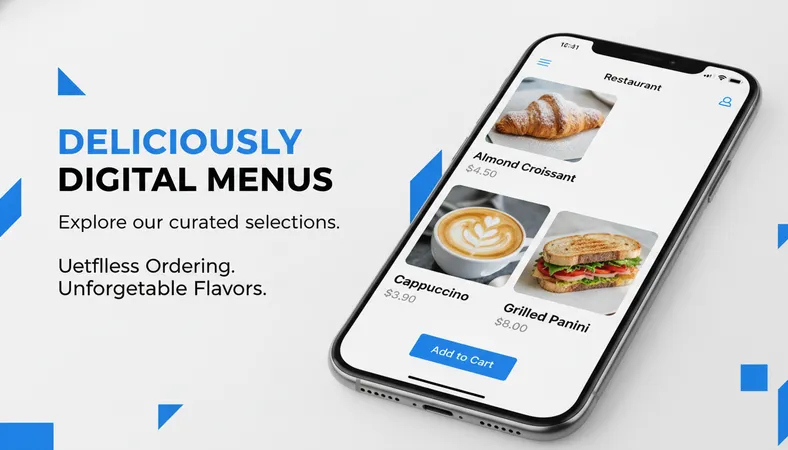
With a digital QR menu, you can update your offerings in real-time. Did your morning pastries sell out faster than expected? Mark them as 'unavailable' instantly. Have a fresh batch of seasonal ingredients come in? Add a 'daily special' within minutes. This means customers always see what's actually available, reducing confusion and preventing staff from having to communicate 'sold out' items repeatedly.
Consider the customer experience: They simply scan a QR code at their table or counter using their smartphone browser. No app downloads, no account registration needed. They then see your menu with high-definition photos and clear dietary labels (like 'Vegetarian', 'Vegan', 'Halal'). They can customize their order, add extras, and place it directly from their device. When your digital menu is accurate, orders are more precise, which further helps in reducing errors that might lead to food waste.
Integrating Sales Data with Stock
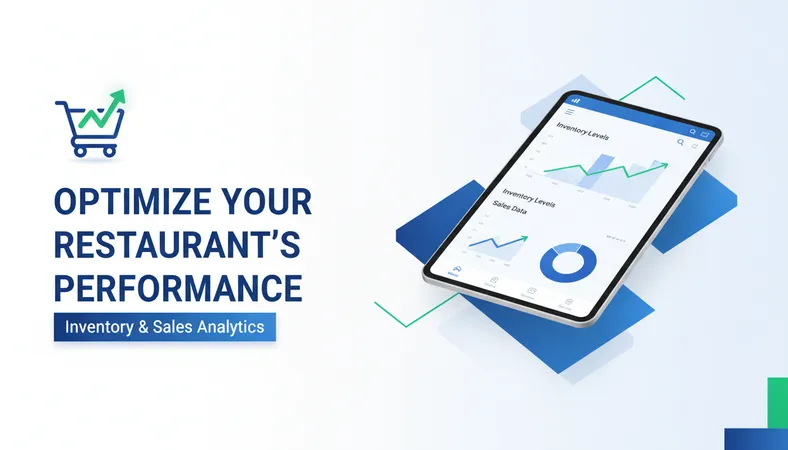
When your digital menu and ordering system are linked to your POS billing, every sale becomes valuable data. This data helps you understand trends: which items are most popular at what times, and which ingredients are consumed most. This insight is crucial for smarter purchasing and production planning.
Instead of guessing, you can use sales analytics to forecast demand. If your strawberry tarts always sell out by noon on weekends, you know to prepare more. If a new sandwich special isn't moving, you can adjust your ingredient orders before waste becomes an issue. This data-driven approach minimizes over-preparation and focuses your efforts where they'll have the most impact.
Practical Steps for Better Stock Management
- Digitize Your Menu First: Start by getting your menu online. This is the foundation for instant updates and customer self-ordering. It also lets you add appealing food photos and allergy information easily.
- Implement Ingredient Tracking: Move beyond manual inventory. Look for a system that tracks ingredients as they're used and generates automated stock alerts.
- Use Sales Analytics: Don't just collect sales data; use it. Analyze trends to inform your purchasing and production schedules.
- Train Your Team: Ensure your staff understands how to use the digital menu for updates and how to manage inventory records accurately. Easy-to-use systems simplify this training.
Making the Right Technology Choice
Adopting new technology doesn't need to be complicated or expensive. Modern solutions are designed for quick setup and ease of use, even for those without technical know-how. The goal is to gain complete business control, streamline operations, and enhance the customer experience without a steep learning curve or high costs.
Look for platforms that offer a rich set of features, from digital menus and ordering to POS billing and inventory, all at a budget-friendly price. The value comes from improved efficiency, reduced waste, and happier customers, making it a smart investment for any growing quick-service food business.
Frequently Asked Questions About Digital Menus and Stock Management
Q: How quickly can I update my menu if an item sells out? A: With a good digital menu system, you can mark items as 'unavailable' or add new specials in just a few clicks, with changes going live almost instantly.
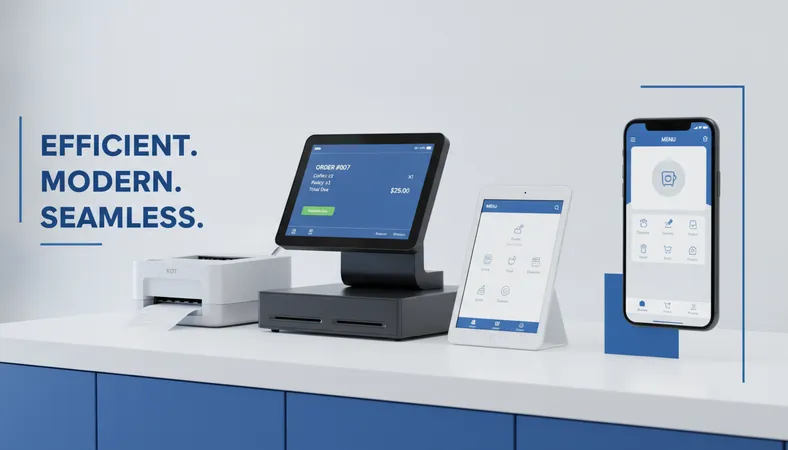
Q: Do I need special hardware to use digital menus or track inventory? A: For customers, any smartphone browser works. For your business, you'll need a tablet or computer for management and potentially a thermal printer for kitchen orders, but complex, expensive hardware is usually not required.
Q: Can a digital menu help with dietary restrictions and allergies? A: Absolutely. You can add detailed descriptions, dietary tags (like 'vegetarian,' 'contains nuts'), and allergen warnings directly to each menu item, giving customers confidence when ordering.
Q: Is this technology only for large restaurants? A: Not at all. Modern, cost-effective platforms are designed specifically to provide great value for small and growing businesses like independent cafes, bakeries, and fast-food outlets, offering powerful features without the enterprise price tag.
Implementing smart stock management alongside a dynamic digital menu can truly transform your quick-service food business. It's about making informed decisions, serving fresher items, and significantly cutting down on waste. If you're looking for an affordable, feature-rich solution that's simple to set up and empowers both your team and your customers, consider exploring platforms like HunoMenu to bring these benefits to your operation.