Solving Lunch Hour Bottlenecks in Campus Cafeterias and Office Canteens
Running an institutional cafeteria, corporate dining hall, or campus mess comes with a unique operational hurdle: predictable, intense rushes. Unlike standard street restaurants where foot traffic spreads out across several hours, canteens often serve hundreds of people within a tight 45-to-60-minute window.
When hundreds of hungry students or employees walk through the door at the exact same moment, traditional ordering stations collapse. Lineups spill out into hallways, cashier staff make entry errors under pressure, and kitchen teams struggle with sudden waves of disorganized paper tickets.
Fixing these bottlenecks does not require expensive hardware overhauls or complex enterprise software. By restructuring the order flow and adopting simple, modern digital tools, dining managers can cut wait times in half while improving meal accuracy.
Why Traditional Counter Ordering Breaks Down
To resolve rush hour congestion, it helps to identify where the friction actually occurs. In most canteens, delays stem from three distinct friction points:
- The Decision Lag at the Register: Guests often wait until they reach the front of the line to decide what they want to eat. Asking questions about ingredients or daily specials ties up the cashier.
- Manual Payment and Entry Delays: Handing cash, swiping cards, and punching keys for every individual item adds 45 to 90 seconds per customer.
- Kitchen Bottlenecks: Orders hit the kitchen in unpredictable clumps rather than a steady, organized stream, creating meal prep confusion.
When you multiply a 60-second ordering delay across 150 guests, the last person in line waits over an hour just to order. That ruins the dining experience and reduces overall sales volume.
Moving the Queue to the Guest's Smartphone
The most practical solution is removing the counter ordering bottleneck entirely. When diners can browse, customize, and place orders directly from their tables or while standing in the room, lines disappear.
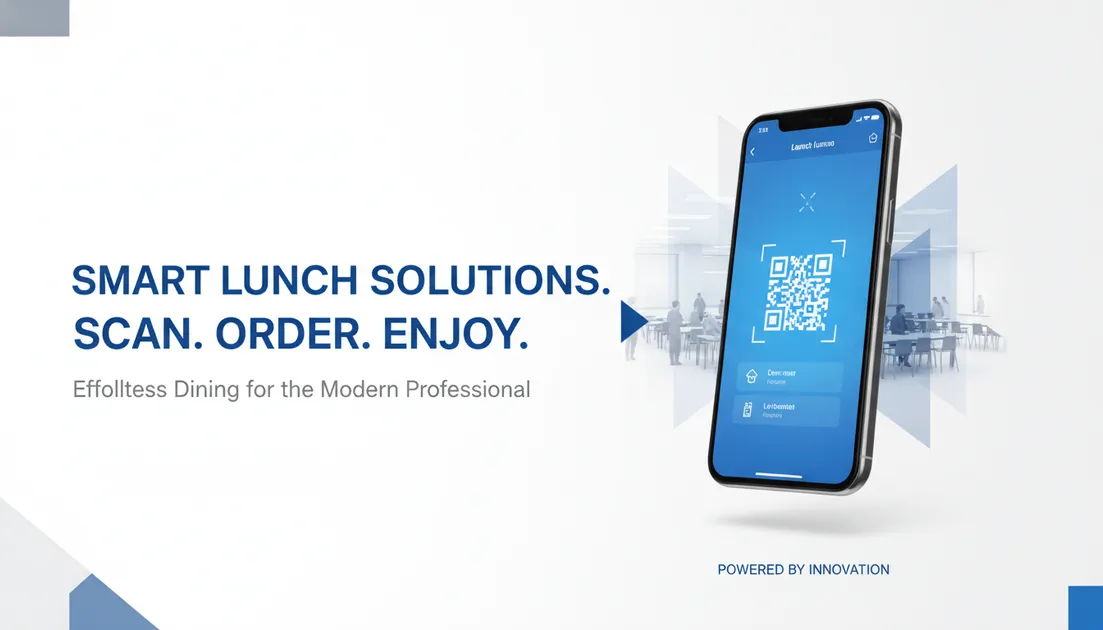
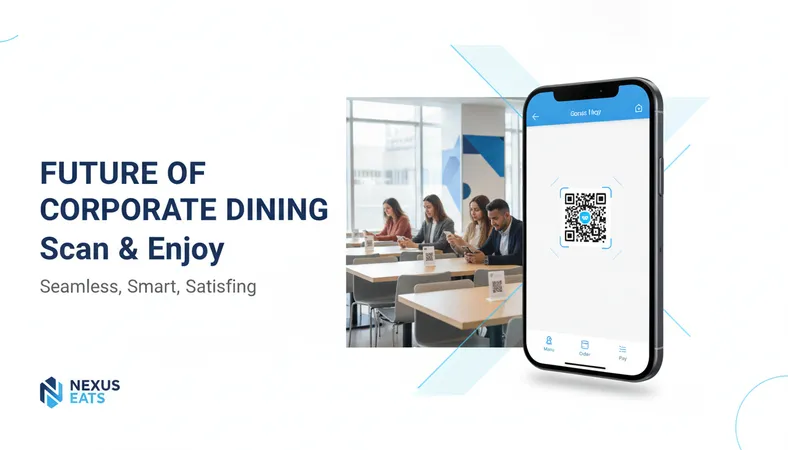
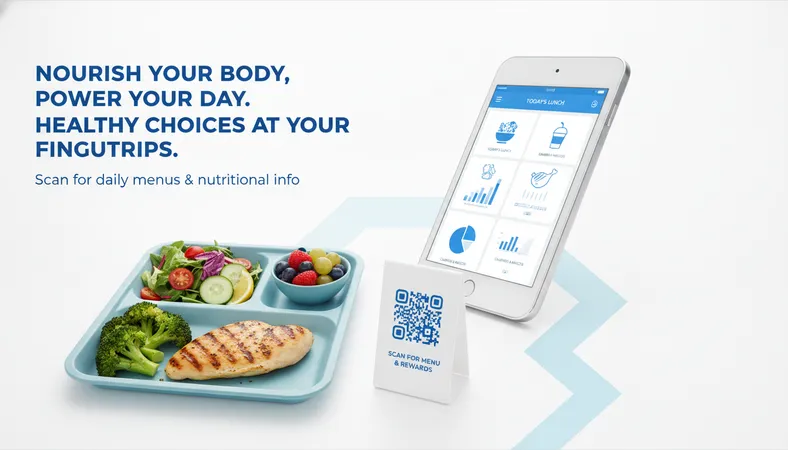
With a mobile-first digital menu system, the diner simply points their smartphone camera at a QR code placed on their dining table, meal tray, or an entryway display. The full menu opens instantly inside their standard mobile browser. There is no mobile app to download and no mandatory account registration to complete.
This simple shift transforms the entire ordering dynamic:
- Clear Dietary Visibility: Diners see clear badges for Vegetarian, Non-Veg, Halal, or Vegan items alongside crisp food photos. They do not need to ask staff about ingredients.
- Effortless Customization: Customers select their preferred portion sizes, add extra sides, or specify dietary preferences directly on their screens.
- Self-Paced Selection: Guests review the menu while walking toward the cafeteria or sitting down, removing decision pressure from the counter.
Streamlining Kitchen Output with Direct Ticket Routing
Taking orders faster only works if the kitchen can prepare them without chaos. If orders are still shouted across a counter or scribbled by hand, the bottleneck simply shifts from the register to the kitchen pickup window.
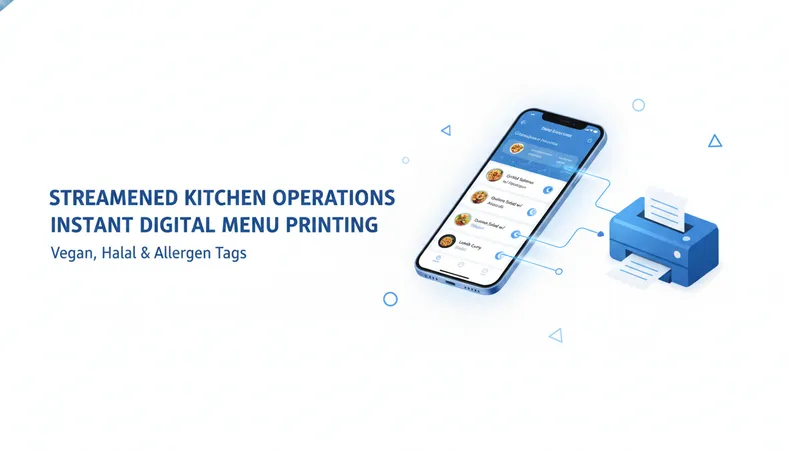
Modern cafeteria setups solve this by routing digital orders directly into kitchen stations via Kitchen Order Ticket (KOT) thermal printers or touch displays. As soon as a guest submits an order from their phone:
- The order prints instantly at the correct preparation station (e.g., hot buffet line, beverage counter, or grill).
- Tickets list precise item details, variants, and time stamps, eliminating handwriting mistakes.
- The billing system logs the sale automatically, keeping daily reports accurate without manual re-entry.
This real-time routing creates a continuous, predictable workflow. Kitchen teams prepare dishes in the exact sequence they arrive, keeping pickup lines short and orderly.
Managing Real-Time Inventory and Daily Rotations
Campus messes and office cafeterias change menus daily. Fixed physical boards or static printouts make it difficult to communicate when an item runs out or when a daily special changes.
When a popular dish sells out during the peak lunch rush, an agile digital menu allows the manager to mark the item as out of stock in seconds using a smartphone or tablet. The item disappears from the active menu instantly, preventing diners from ordering dishes that are no longer available. This simple control prevents kitchen disruptions, customer disappointment, and time-consuming refunds.
Practical Steps to Upgrade Your Canteen Flow
Upgrading your dining operation does not require weeks of training or deep technical expertise. You can roll out an efficient system in a few simple steps:
- Map Out Your Flow: Decide whether guests should order from tables, designated ordering pedestals, or a takeaway pickup zone.
- Display QR Codes Prominently: Place durable QR code stands on every table and clear signage near entryways.
- Keep Menu Items Updated: Add high-quality photos and accurate dietary tags so guests can make informed decisions quickly.
- Equip Your Prep Stations: Set up dependable thermal receipt printers or simple tablet screens at key kitchen stations to catch incoming orders instantly.
Frequently Asked Questions
Do guests need to download an application to order?
No. Guests simply scan the QR code with their regular smartphone camera, and the menu opens directly in their web browser. This ensures complete adoption without technical hurdles.
How hard is it to train cafeteria staff on a digital ordering system?
Modern digital platforms are designed for non-technical users. Cashiers and kitchen staff can learn to view orders, reprint tickets, and toggle menu items in less than 15 minutes.
Can a digital menu handle separate breakfast, lunch, and dinner menus automatically?
Yes. You can schedule different menus to appear at specific times of day, so morning breakfast items automatically switch over to the lunch selection without manual intervention.
Is this type of technology expensive for small or independent canteens?
Not at all. Modern solutions provide feature-rich platforms at budget-friendly rates, eliminating the need for expensive custom hardware or large setup investments.
If you want to speed up service and simplify peak meal rushes, take a look at HunoMenu. HunoMenu offers an affordable, feature-packed digital menu and ordering platform built for high-volume dining. You can set up your entire digital menu, configure table ordering, and route tickets in under 15 minutes with zero technical background.