
Modernizing Hotel Room Service: Practical Ways to Speed Up Orders and Cut Operating Overhead
Room service should feel like a luxury, but in many independent hotels and resorts, it creates quiet operational headaches.
Front desk phones ring off the hook during peak breakfast hours. Staff scramble to write down orders by hand. Guests wait on hold just to ask if a soup contains dairy. Meanwhile, worn leather menu binders sit on bedside tables, filled with crossed-out prices and outdated seasonal items.
Running in-room dining this way drains staff energy and drives up labor costs. Fortunately, updating your property's dining workflow does not require expensive custom software or months of IT integration.
The Real Problem with Phone-Based Room Service
When a guest decides to eat in their room, they want simplicity. Every extra obstacle reduces the chance they will order.
- Friction on the line: If the in-house extension is busy, guests give up and order from third-party delivery apps instead. That is lost revenue for your kitchen.
- Order mistakes: Transcribing verbal orders over crackling internal phone lines leads to wrong side dishes, missed dietary notes, and wasted plates.
- Menu inflexibility: Every time food costs shift or a chef tweaks a recipe, reprinting 50 to 100 in-room menus is costly and time-consuming.
Hotels that solve these bottlenecks keep dining revenue on property while freeing front desk teams to focus on guest check-ins.
Making Ordering Frictionless for the Guest
The most effective guest systems require the least effort from the user. Forcing a guest to download a proprietary hotel mobile app just to order a sandwich creates an immediate barrier.
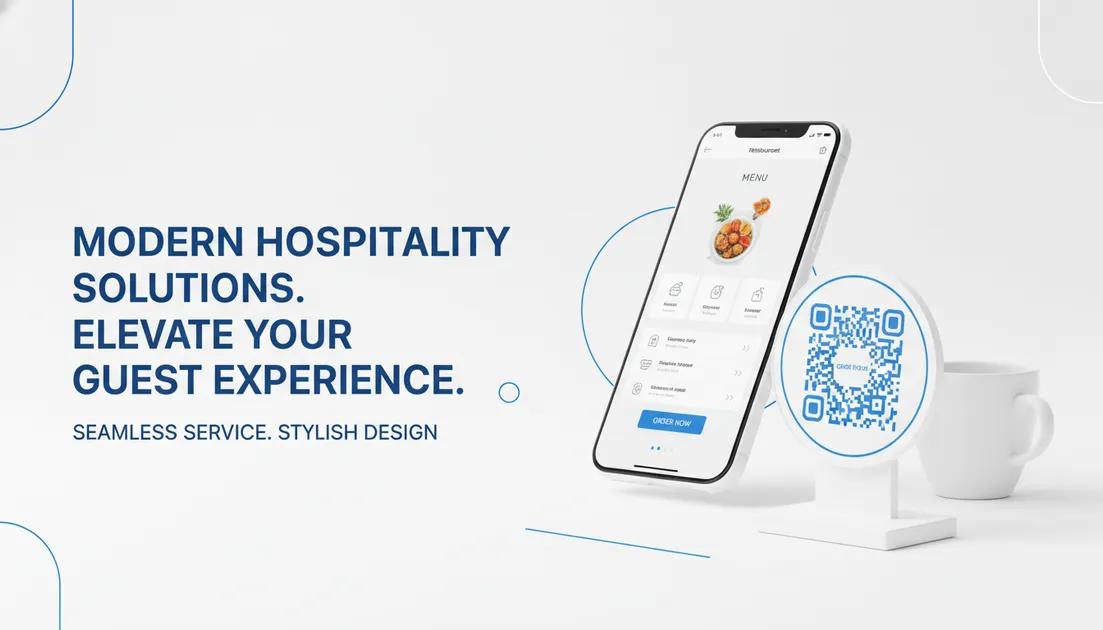
Instead, place a discrete QR code card on the nightstand, desk, or poolside table. The guest points their smartphone camera at the code, and their browser opens the menu immediately. There are no app store downloads and no user accounts to register.
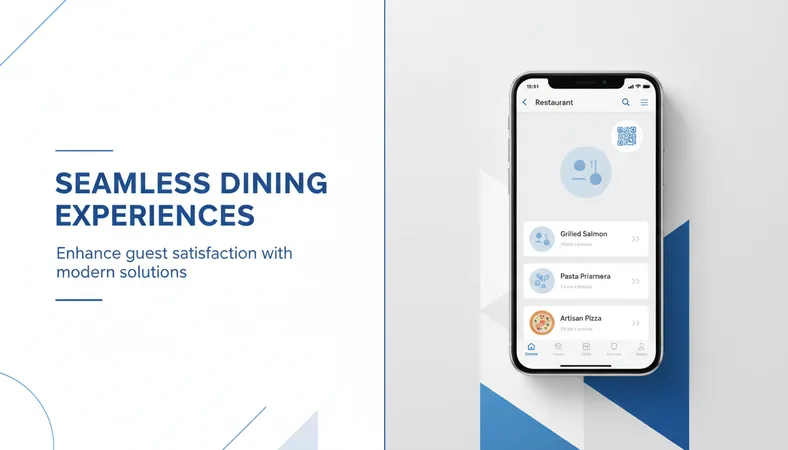
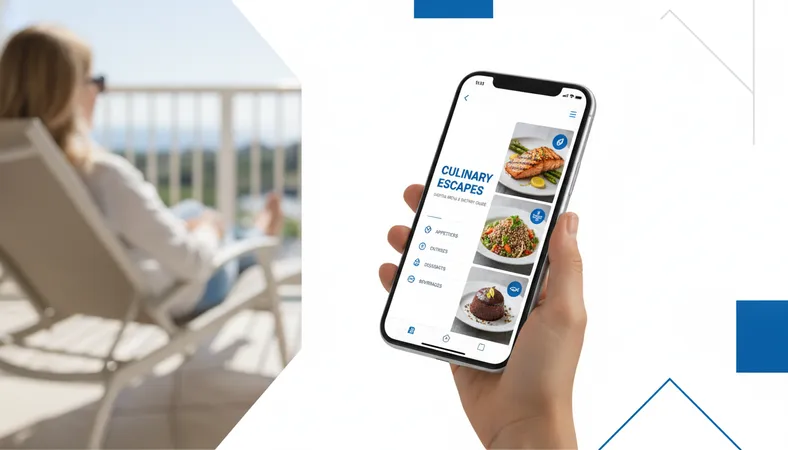
From their screen, guests view crisp, high-definition images of every dish. Clear dietary tags—such as Vegetarian, Vegan, Halal, or Gluten-Free—answer common questions on the spot. When ordering breakfast, guests pick their egg styles, toast preferences, and coffee add-ons using clear drop-down selectors. Once satisfied, they submit the order straight from their bed or patio lounger.
Streamlining Kitchen and Poolside Operations
A modern ordering flow benefits your back-of-house team just as much as your guests.
Instant Ticket Routing
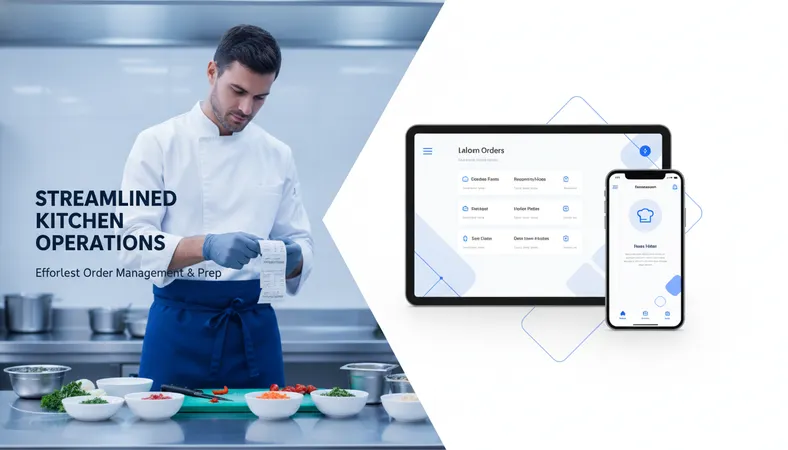
When an order comes through the guest's phone, it does not sit in a voicemail inbox. The system routes the ticket directly to the kitchen thermal printer (KOT) with the exact room number, cabana tag, or table location printed at the top. Cooks see modifier notes clearly, eliminating handwriting guesswork.
Real-Time Menu Updates
If the kitchen runs out of fresh salmon during the evening rush, the manager can mark the item out of stock from any phone or tablet in ten seconds. The item disappears from the guest view instantly. There is no risk of a guest ordering an unavailable meal only to receive an apologetic call ten minutes later.
Multi-Zone Service
Resorts often struggle with serving outdoor spaces like cabanas, private balconies, and pool decks. Setting up unique QR codes for each sun lounger allows guests to order drinks and snacks directly to their spot, raising pool bar sales without adding roaming service staff.
High Value Without Enterprise Price Tags
For years, digital ordering systems were built almost exclusively for multinational hotel chains with massive capital budgets. Independent operators, boutique lodges, and bed-and-breakfasts were left behind with printed cardstock.
Platforms like HunoMenu have changed that equation. Designed as a budget-friendly, low-cost restaurant technology, it lets hoteliers and kitchen operators launch a fully functional digital ordering system in less than 15 minutes. It requires zero coding knowledge, runs on standard devices, and provides complete control over menus, pricing, and multi-zone ordering.
Frequently Asked Questions
Do guests need to install an app to browse the menu?
No. Guests scan the QR code with their default smartphone camera and the menu opens directly in their web browser. They do not need to download an application or sign up for an account.
Can we separate breakfast, lunch, and dinner menus automatically?
Yes. You can schedule menus to switch based on time of day. Morning menus display breakfast items automatically, then transition to lunch and dinner selections at your set hours.
How does our kitchen team track which room placed the order?
Every generated QR code links directly to an assigned location—such as 'Room 304' or 'Cabana 6'. When the guest submits an order, that location prints automatically at the top of the kitchen ticket.
Is special hardware required to run a digital menu system?
No specialized terminals are needed. You can manage the system and view live orders from any smartphone, tablet, or standard web browser, and connect directly to existing thermal receipt printers.
If you want to reduce order mistakes, eliminate print costs, and give your guests a smoother in-room dining experience, explore what HunoMenu can do for your property today.