
Streamlining Stock and Menu: Essential Tips for Small Eateries and Cafés
For many small restaurant owners, chefs, and café managers, keeping a tight grip on inventory and ensuring the menu reflects what's actually available feels like a constant juggling act. Ingredient costs fluctuate, suppliers have delays, and that popular special sells out faster than expected. When these things happen, manual menu changes are time-consuming, and outdated information can frustrate guests.
The Real Cost of Outdated Menus and Poor Stock Control
Mismanaging inventory goes beyond just wasted food. It impacts your bottom line in several ways:
- Food Waste: Over-ordering or ingredients spoiling before use directly eats into profits.
- Missed Sales: Guests can't order items that are actually available because the menu is incorrect.
- Staff Time: Your team spends valuable minutes explaining unavailable items or manually updating physical menus.
- Guest Dissatisfaction: Nothing is more disappointing for a guest than getting excited about a dish only to find out it's 'not available today'.
Luckily, modern technology offers straightforward solutions to these age-old problems.
Simplifying Ingredient Tracking and Stock Management
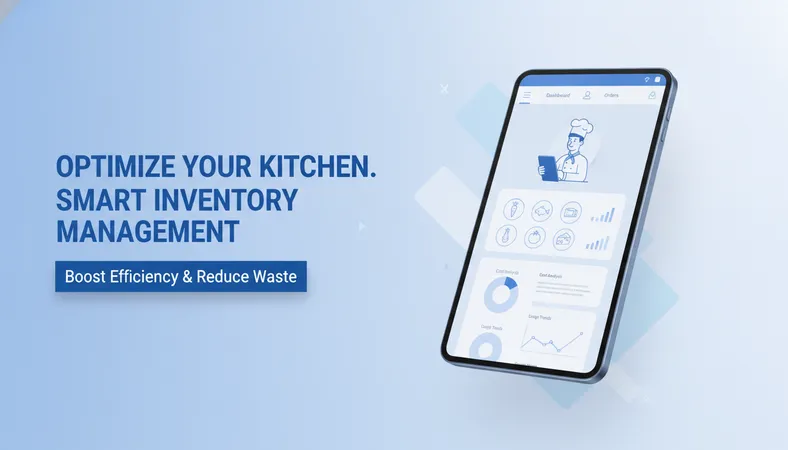
Effective stock management starts with a clear understanding of what you have and what you need. Small eateries often think complex systems are out of reach, but that's not true. Look for platforms that offer:
- Ingredient Tracking: Monitor key ingredients as they are used in recipes.
- Low Stock Alerts: Get notified automatically when an item is running low, prompting timely reordering.
- Recipe Management: Link menu items to their constituent ingredients, making it easier to track consumption.
These tools help you make informed purchasing decisions, minimizing waste and ensuring you always have what you need on hand.
Dynamic Menus that Update Themselves
The biggest hurdle for many is synchronizing their menu with their actual stock. Imagine a world where 'sold out' items disappear from your menu instantly, and new specials appear with just a few clicks. This is entirely possible with a digital menu system.
Platforms that allow instant menu updates mean you can:
- Mark Items Out-of-Stock: One click can hide an item from your menu across all tables.
- Add Daily Specials: Easily upload new items with photos and descriptions for a limited time.
- Update Prices: Adjust pricing quickly if ingredient costs change.
- Showcase High-Quality Photos: Entice guests with vibrant images of your dishes, complete with clear dietary labels (like 'Vegetarian', 'Vegan', 'Halal').
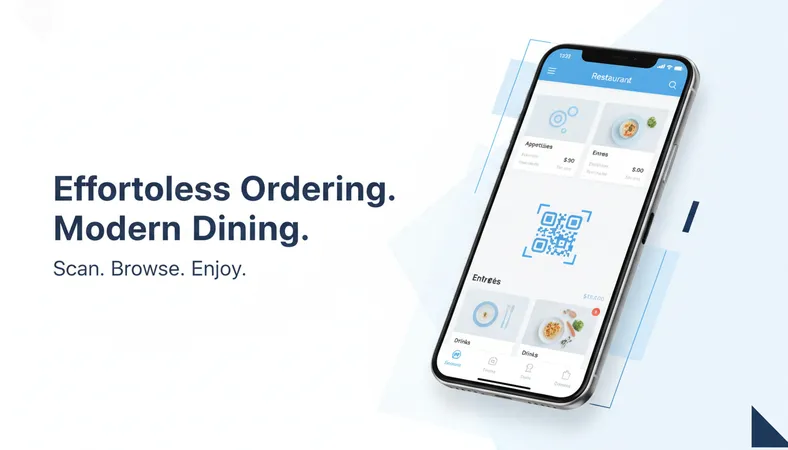
This level of flexibility ensures your guests always see the most accurate and appealing version of your offerings. Your guests simply scan a table QR code using their smartphone's browser. They see your menu, browse high-definition food photos with dietary labels, customize their orders (adding extras or choosing size variants), and place them directly from their seat. They don't need to download any mobile apps or create an account, making the experience smooth and quick.
Integrating Operations for Seamless Management
Beyond just menu and stock, a truly effective system integrates various aspects of your operations. Consider a solution that connects your digital menu to your point-of-sale (POS) system. This means:
- Faster Billing: Orders placed by guests go straight to the kitchen and POS.
- Accurate Sales Data: Every order contributes to detailed sales analytics, helping you identify best-sellers and slow-movers.
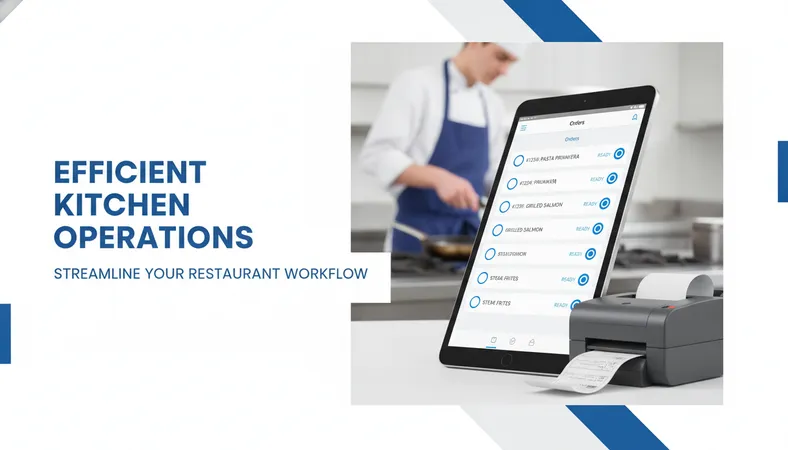
- Kitchen Automation: Orders can be routed automatically to thermal printers in specific kitchen stations.
These integrated features not only save time but also provide valuable insights to help you optimize purchasing and menu offerings, ultimately boosting profitability and guest satisfaction.
Frequently Asked Questions
Q: How quickly can I update my menu if an item sells out? A: With a modern digital menu platform, you can mark items as 'sold out' in a matter of seconds from any device. The change reflects instantly for all guests.
Q: Is it complicated to set up inventory tracking? A: Many budget-friendly systems are designed for ease of use. You can typically start by inputting your core ingredients and linking them to your menu items in a simple, intuitive interface.
Q: Can I manage specials that change daily or weekly? A: Absolutely. Digital menus make it very easy to add, remove, or schedule daily and weekly specials with unique photos and descriptions, keeping your offerings fresh and exciting.
Q: How does this help reduce food waste specifically? A: By providing accurate ingredient tracking and low-stock alerts, you can order more precisely, avoiding overstocking and ensuring ingredients are used before their expiry, directly leading to less waste.
Navigating the daily demands of a small eatery or café doesn't have to be overwhelming. By adopting a modern, cost-effective digital menu and operations platform, you gain unparalleled control over your inventory and menu. This simplifies daily tasks, empowers your team, and creates a smoother, more satisfying experience for every guest. Explore how a feature-rich, low-cost restaurant technology solution can support your growth without complex setups or high overheads.